
Calendar: every celebration, a new page
A desk calendar with your names on the cover. Guests turn it page by page, one celebration at a time, until the month of your wedding and their reply.
Try your details before paying. The final price is shown at checkout. Verified payment publishes your clean guest link.
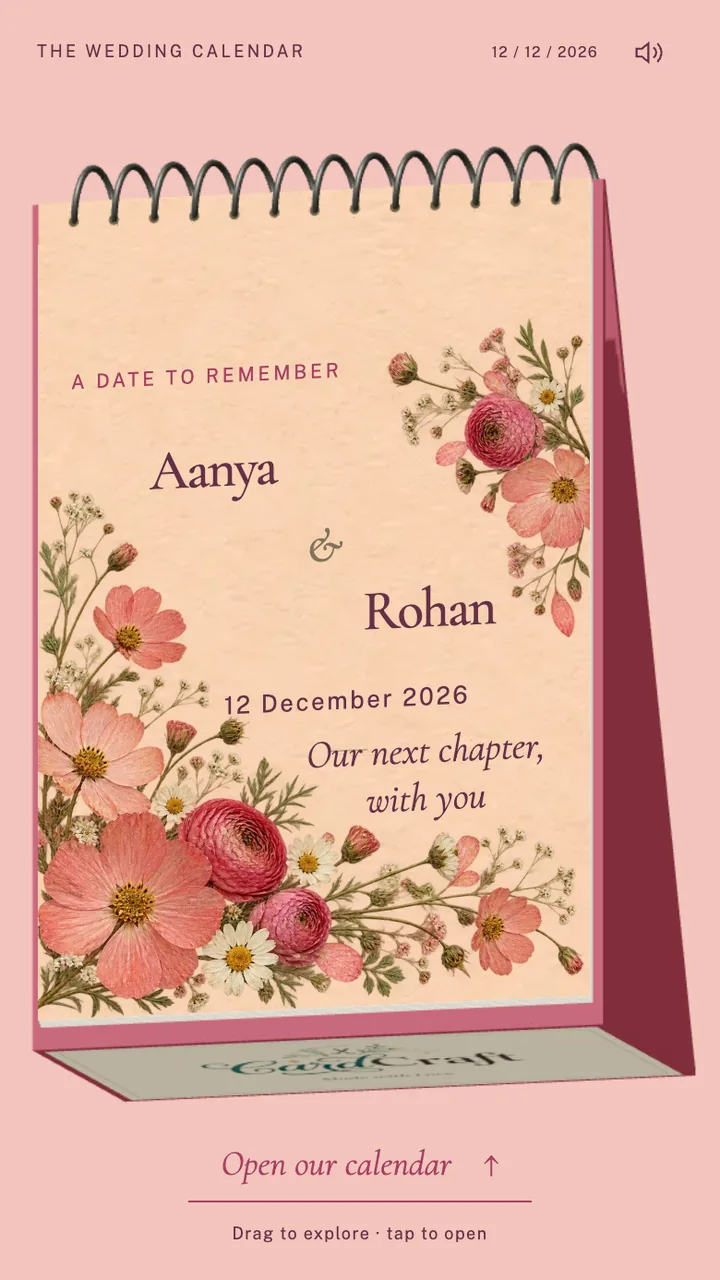
Inside Calendar
- Every celebration gets its own illustrated page with its date, time and venue.
- A drawn couple welcomes your guests; add your own photographs if you would like to.
- The last page shows the month of your wedding and collects the reply.
From your details to their phone.
- Make it personal.Add your names, portraits and chosen celebrations.
- Check the whole invitation.Review dates, venues, music and the personalised preview before paying.
- Share your guest link.Once payment is verified, send the published invitation through WhatsApp or another message.
A few things to know
Do I need to upload photographs for Calendar?
No. Calendar comes with a drawn couple on the welcome page. You can replace them with your own photographs in the editor, or leave the page as it is.
Can I share this invitation on WhatsApp?
Yes. After publication, copy the guest link into your message. Guests open it in their browser. Keep your private management link for yourself.
Will the final invitation have a watermark?
Unpaid previews are watermarked. Your published guest invitation is clean once payment has been verified.
Do I get a printed card or a video download?
CardCraft provides a hosted interactive invitation. Printed cards and downloadable invitation videos are not included.